Brand guidelines.
How the Pivale brand looks, reads and behaves: the logo, colour, type, layout, imagery, motion, the website’s rules and our tone of voice.
Pivot. Scale. Prevail.
Pivale is a UK enterprise Drupal and digital consultancy, trading since 2007. The name joins two words, pivot and scale, and sounds a bit like prevail, which is what we help organisations do.
Large organisations come to us when they need to change direction or grow, and want their websites and systems to help rather than hold them back. Our aim is to take what’s tangled and put it in order. You see it in the homepage graphic, where scattered business systems settle into one connected platform, and in the strict grid every page sits on.
It’s dark, flat and architectural. Big condensed type, a visible grid, square corners and one teal accent, used sparingly. The footer carries the line that sums it up: Tame chaos. Align teams. Lead change.
The wordmark.
The Pivale wordmark is the logo. It’s never redrawn, recoloured or rearranged: use the files from the downloads, or the SVG on this site.
Stretch, squash or skew it.
Rotate or tilt it.
Crop it or let part of it run off the edge.
Change the letters, spacing or proportions.
Colour it teal or any colour outside the colourways.
Add outlines, shadows, glows or gradients.
Put it on a busy photo or a background without enough contrast.
Lock it up with other words or logos, except in a partner lock-up we’ve agreed.
Logo files: Logos (RGB) · Logos (CMYK)
Black, off-white and one teal.
Two neutrals and one accent. Every other colour on the site is a tint of off-white over Pivale black.
- Pivale black#0F1212 · RGB 15 18 18--color-bgThe page. Almost every surface is this colour.
- Off-white#F0F3F3 · RGB 240 243 243--color-textHeadlines, body text and the logo.
- Teal#00C8C8 · RGB 0 200 200--color-accentThe one accent: primary buttons, one emphasis word, active states. Text on teal is Pivale black.
- The brand is dark: Pivale black with off-white text. Use black on white only where dark isn’t possible, such as print on paper.
- Teal is the only accent, and it’s used sparingly: primary buttons, a single emphasis word in a headline, active and focus states, small markers.
- Teal fills a whole area only for a statement that has to stop the reader, such as the “Honest about fit” poster and the case-study quote band.
- Text on teal is always Pivale black, never white.
- Tints of off-white make the hierarchy. Don’t add greys, colours or gradients of your own.
- Teal on Pivale black and Pivale black on teal both have a contrast ratio of 9:1, and off-white on Pivale black 16.9:1, well above the 4.5:1 that WCAG AA asks for.
| Supporting colour | Value | Use | Contrast on black |
|---|---|---|---|
| Surface | #171B1B --color-surface | Raised panels: the booking form, code, the shortlist. | – |
| Surface 2 | #1B1F1F --color-surface-2 | A second step up, used sparingly. | – |
| Light teal | #40D6D6 --color-accent-hover | Teal buttons on hover. | 10.6:1 |
| Soft text | Off-white at 82% (#C7CBCB) --color-text-soft | Longer body text. | 11.5:1 |
| Muted text | Off-white at 72% (#B1B4B4) --color-text-muted | Supporting text and summaries. | 9:1 |
| Subtle text | Off-white at 55% (#A1A4A4) --color-text-subtle | Row numbers and secondary labels. | 7.5:1 |
| Rule | Off-white at 40% (#696C6C) --color-rule | The 2px rule between sections. | – |
| Line | Off-white at 14% (#2F3232) --color-line | The 1px lines between rows and cells. | – |
Archivo, big and condensed.
Archivo
A variable font: weights 400 to 800 and widths 75 to 100 on the site. Archivo is free and open source (SIL Open Font License), from Google Fonts. The site uses a trimmed, self-hosted copy.
- Headlines are big, condensed (width 78 to 85) and tightly tracked, from −0.035em to −0.015em. Body text uses the normal width and tracking.
- Write headlines in sentence case. Statement headlines end with a full stop: “Too many moving parts.”
- One word of a headline may be teal for emphasis, never more.
- Labels and kickers are sentence case, 600 weight, with barely any letter-spacing (0.01em). Never set them in capitals: long runs of capitals are hard to read.
- Nothing is smaller than 14px. Text that tells people what to do uses the Instruction style, not a small label.
- Keep running text to a comfortable measure (the site caps it at 720px). Align text left; never justify it.
- In documents and slides without the font installed, use Archivo from Google Fonts, then the system sans-serif.
- Display54–196px · 700
--fs-display-xlThe homepage headline. - Section headline44–104px · 700
--fs-h2Page heroes and big statements. - Chapter title44–84px · 700
--fs-chapterNumbered chapters. - Statement28–56px · 500
--fs-scrubThe opening line of a chapter. - Card title22–30px · 700
--fs-cardRows, cards and list titles. - Instruction18–22px · 600
--fs-instructionTelling people what to do. - Lead17–20px · 400
--fs-leadSummaries under a headline. - Body16px · 400
--fs-bodyRunning text. - Label16px, sentence case · 600
--fs-labelChapter 1 - Small14px · 400
--fs-smallThe smallest text anywhere.
Everything on the grid.
- Everything sits on a visible 12-column grid with no gutters. Text blocks, images and cards start (and where possible end) on a column line.
- Space goes inside cells as padding, never as gaps between columns.
- Split layouts use whole fractions of the grid: 4 and 8, or 8 and 4 columns. An inner grid divides its parent: 1, 2, 4 or 8 columns inside 8.
- Corners are square. Nothing has a border radius.
- No shadows. Depth comes from the surface colours and rules.
- Sections are divided by a 2px rule; rows and cells inside them by a 1px line.
- Pages read as numbered chapters: a label and title in columns 1 to 4, the content in columns 5 to 12.
Built from a few parts.
Tick the problems you recognise to see how we fix each one.
- Links and text buttons turn teal on hover.
- Primary buttons are teal with the label on the left and an arrow on the right. Secondary buttons have a 2px outline.
- Keyboard focus is a 2px teal outline, 2px away from the element.
- Rows in a list get a faint background wash on hover and nothing else: no movement, no layout shift.
People in black and white, work in colour.

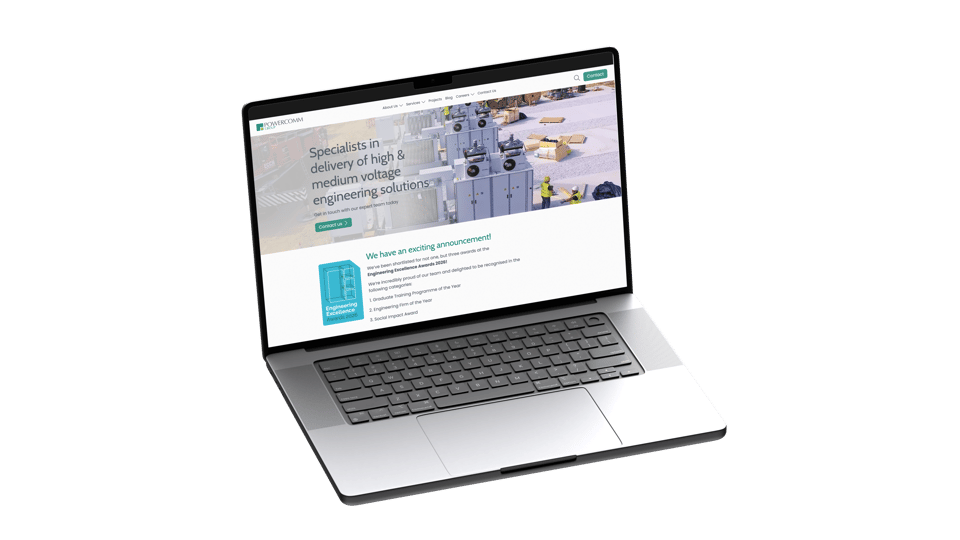


- Photos are shown in black and white: people, places and events.
- Screenshots, mockups and diagrams of our work stay in colour, so the work is shown as it is.
- Client logos are shown in white, sized optically so no brand shouts louder than another.
- Team photos are square, black and white portraits.
- Every image has alt text that describes it, and a recorded licence. Images that need it carry a credit line.
- AI-generated images are allowed for blog illustrations, and say so in their credit line.
Movement with a purpose.
- Motion explains, it doesn’t decorate: headlines rise into place, sections fade up as they arrive, numbers count up once.
- Easing is a soft ease-out. Movements are short: most take 0.2 to 1.1 seconds.
- Pages change with the new page rising into place column by column along the grid.
- When someone asks their device for reduced motion, everything appears in its final state with no movement.
Rules the website keeps.
- Every screenEvery page works from a small phone to a wide desktop. Below 900px, split layouts stack into one column.
- AccessibleWCAG 2.1 AA as a minimum: keyboard access, visible focus, alt text, 14px minimum text, reduced motion and enough contrast everywhere.
- FastStatic pages, self-hosted fonts and responsive images. Nothing loads that the page doesn’t need.
- HonestFigures, client names and claims come from a real source. No invented numbers.
- Clear linksLinks to other websites open in a new tab and show an icon saying so. Downloads show a download icon.
- ConsistentEvery component lives in the styleguide, and every new one is added to it.
See every component in the styleguide, and how we test accessibility in our accessibility statement.
Say the concrete thing.
- Direct and activeName who does what. Short sentences and plain verbs.
- No jargonIf a term needs explaining, use the explanation. Technical names are fine where the reader needs them.
- Concrete, not abstractSay the actual thing. Vague nouns such as “clarity”, “transformation” and “journey” are out.
- About the readerLead with their situation and what changes for them. “You” more than “we”.
- Facts onlyEvery figure, name and claim comes from a real source. Where there’s no proof, say what changes without a number.
- British EnglishOrganise, colour, programme. Dates as 28 October 2026. Prices with “+ VAT”.
| Instead of | Write |
|---|---|
| Clarity that converts | Design that converts |
| Credibility through clarity | Reports investors can find |
| Adelco, which makes printing equipment | Adelco, who makes printing equipment |
| The result? Fewer websites. | The result was fewer websites. |
| We seamlessly empower your digital journey | We make your websites easier to run |
- Treat a business as a person: “who”, not “which”, and “they”, not “it”.
- No em dashes. Use commas, full stops or colons.
- No reveal questions such as “The result?” Say it straight.
- Cut adverbs unless the meaning changes without them.
- Prefer two items to three. Use three only when there really are three things.
- Banned words: clarity, insight, seamless, robust, tailored, enhanced, ensure, empower, elevate, journey, quiet and quietly.
- Never edit a client’s quote. Testimonials are word for word.
- Blog posts keep their author’s own voice.
A product with its own mark.
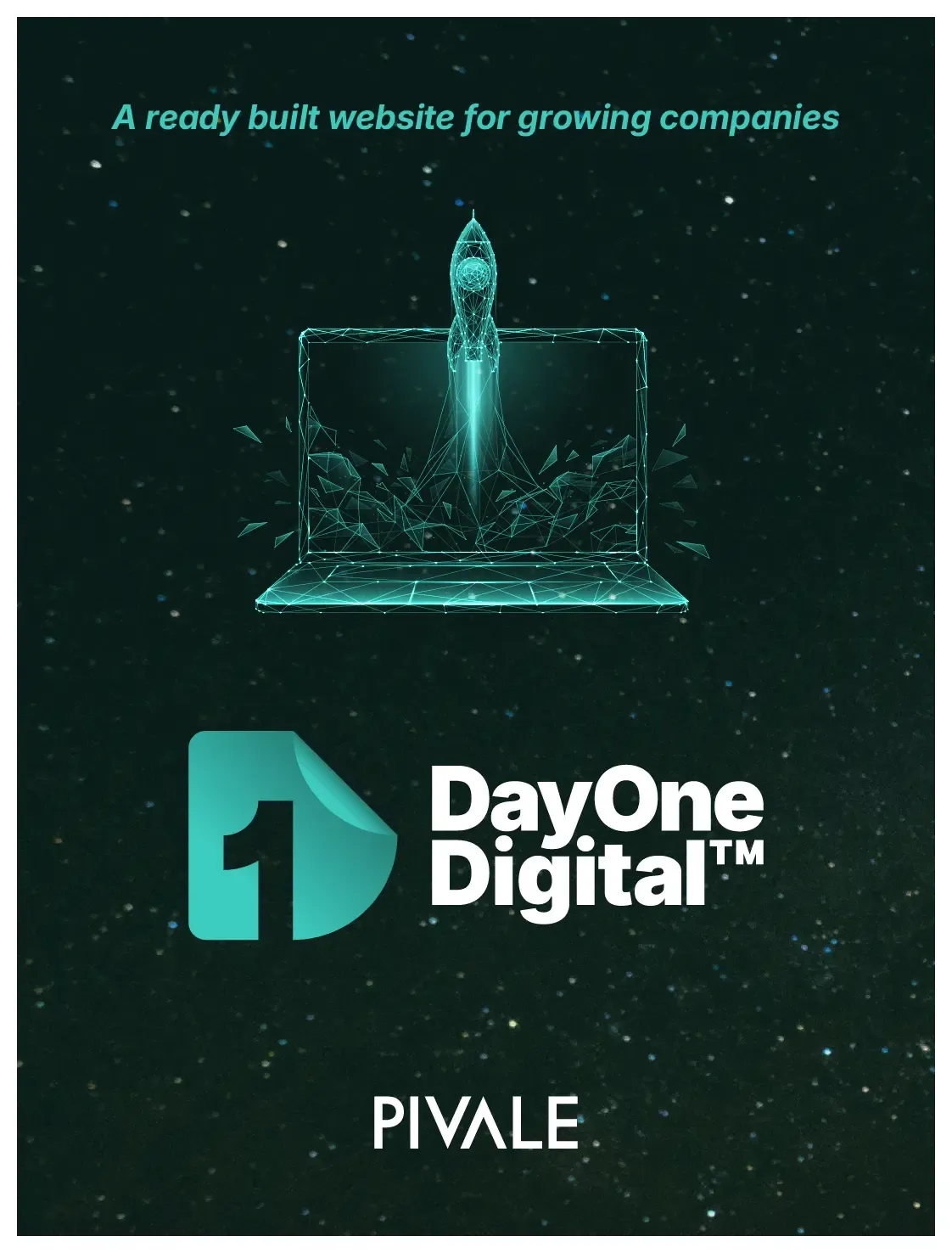
- DayOne Digital™ is Pivale’s ready-built Drupal website for growing companies. Write “DayOne” as one word, followed by “Digital™” with the trademark symbol.
- Its logo has its own teal gradient. Use it only for DayOne Digital™, and never recolour it.
- The product appears with its software box and in the Pivale layout, type and colours.
Email hello@pivale.co
Pivale Ltd · BASE Bordon Innovation Centre, 60 Barbados Road, Bordon, Hampshire GU35 0FX · +44 (0) 203 743 0888 · www.pivale.co